Custom Dynamics ProBeam LED Taillight Install
Shop the Custom Dynamics ProBeam LED Taillight
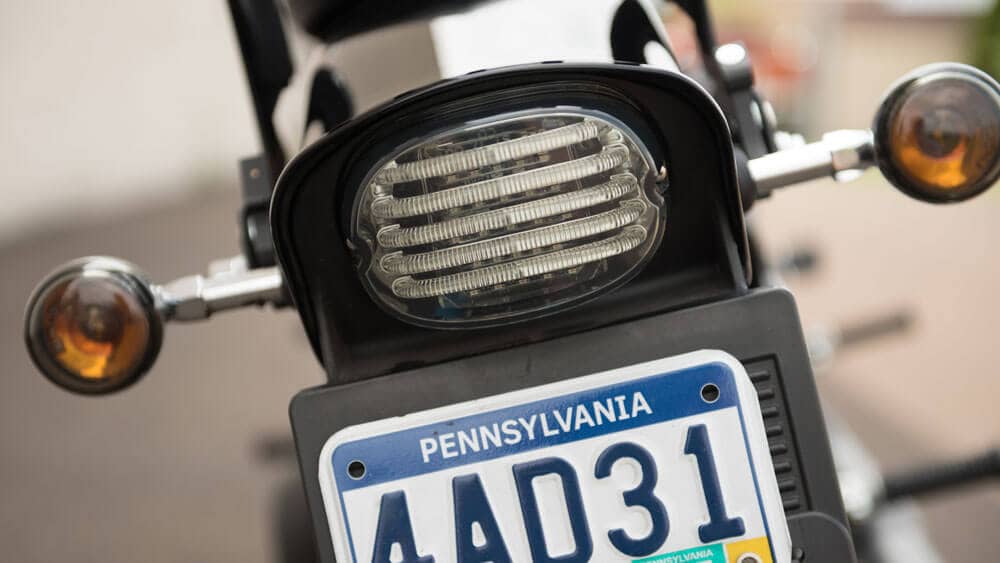
We added the Squareback Smoke version of the Custom Dynamics ProBeam Taillight to our Harley Softail and the process took a total of about 5 minutes. All you need is a Phillips head screwdriver for this easy installation. Start by removing the stock taillight by unscrewing the 2 screws and set them aside for installing the LED taillight. Then unplug the taillight connector from the terminal block in the taillight base.
Next you'll install the gasket that's included in the package by first removing the white paper from the back and then attaching and adhering it to the taillight base. After that, you'll plug the amp connector into the same terminal block as you removed the stock headlight from - on the Softail it's the top terminal.
Place one of the included nylon washers on each screw to prepare for installation. To ensure proper fit, tip the top of the taillight downward so that the top of the assembly goes under the lip of the taillight base. Once you have it in position, tighten both the left and right screw equally until the taillight is fully installed and the screws are snug. Make sure not to overtighten the screws.
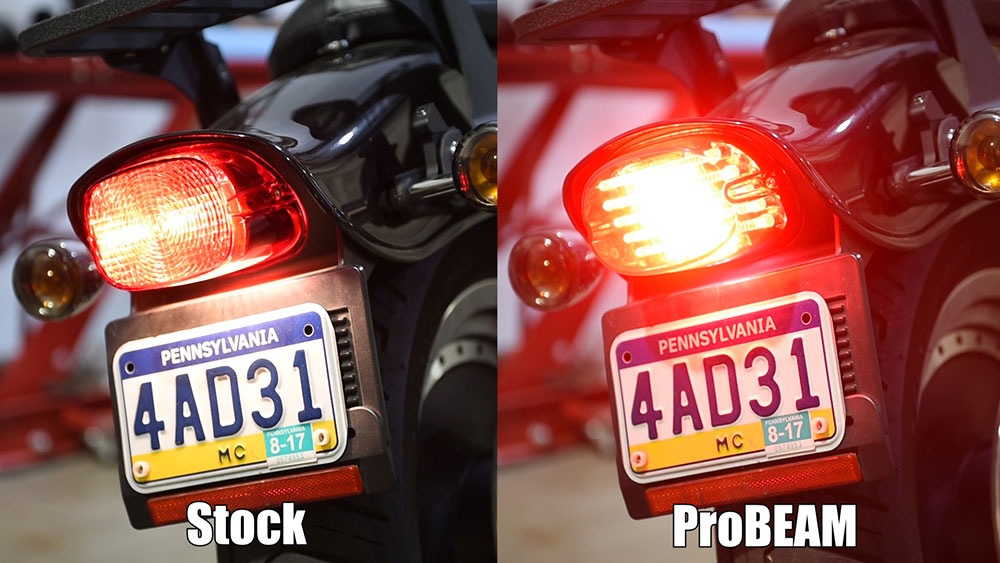
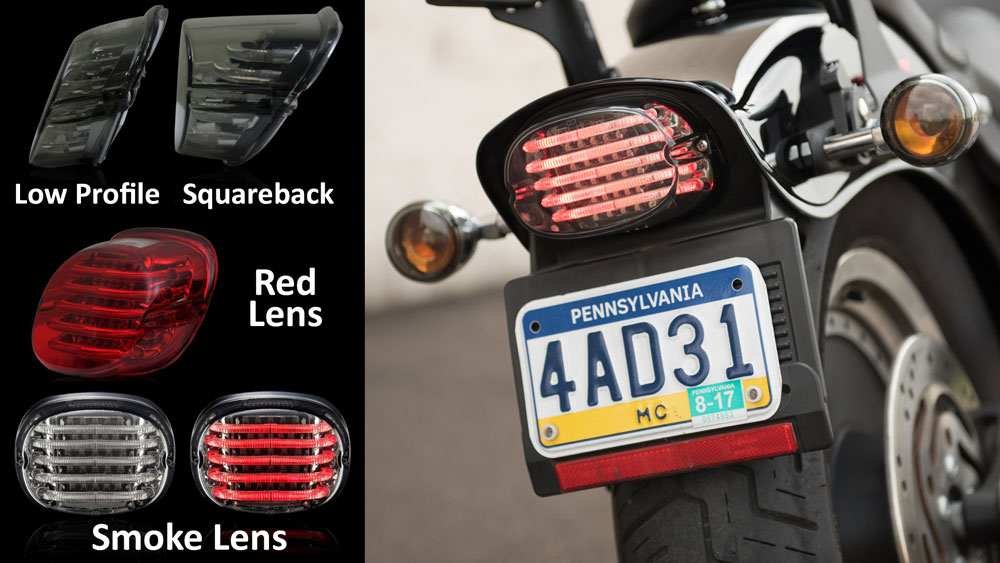
And that's it - take a look at the difference between the stock taillight and the new ProBeam taillight side by side below or in the video above. The ProBeam is also available in a low profile version with either a smoke or red lens for a variety of Harley models.
Like every product we sell at Get Lowered, the ProBeam ships fast and free anywhere in the lower 48 states. Any questions - let us know in the section below or give us a ring.